Is it a real MP3 320 or a real FLAC? Check your file free
Drop an MP3, FLAC, WAV, M4A or OGG file and see its spectrogram, the true frequency ceiling, loudness and peaks, with a plain verdict. The file never leaves your computer: everything is worked out in your browser.
Reading the file…Decoding the audio in your browser…Working out the spectrum…The check is free with an account: sign in with Google or Apple and drop the file again.Sign in, freeThis file is larger than 600 MB. Try a shorter one.Your browser cannot decode this file. Try it in another browser, or convert it to WAV or FLAC first.Fake high resolution: the file is saved at a high sample rate, but there is no sound above {k} kHz. It was made from a 44.1 or 48 kHz source.Not really lossless: the sound stops at {k} kHz, typical of an MP3 at 128 kbps or lower that was saved again as a lossless file.Not really lossless: a hard cutoff at {k} kHz, typical of an MP3 or AAC between 160 and 256 kbps saved again as a lossless file.Probably made from a lossy file: a hard cutoff at {k} kHz, typical of an MP3 at 320 kbps. A few masters are cut like this on purpose, so this is a strong hint, not a proof.Looks lossless: the sound reaches {k} kHz with no hard cutoff.Upscaled: the file says {b} kbps, but the sound stops at {k} kHz, typical of a 128 kbps original saved again at a higher bitrate.Probably upscaled: the file says {b} kbps, but the sound stops at {k} kHz, lower than a real file at this bitrate usually reaches.Consistent with its bitrate: {b} kbps with sound up to {k} kHz.A hard wall at about 18 kHz: the top was cut when the track was made or mixed, before this file was encoded.Saved as {b} bit, but the samples are 16 bit underneath.Both channels are identical: this is mono saved as stereo.{n} places where the signal sits at full scale for several samples in a row (clipping).The true peak goes above 0 dBTP: it may distort after conversion to MP3 or AAC.A DC offset: the waveform is shifted off centre.The sound reaches almost the top of the range, very unusual for a lossy file.FileFormatSample rateresampled by your browserBitrateon averageChannelsmonostereo, both channels identicalstereoLengthFrequency ceilinghard cutoffLoudnessPeaktrue peakPeak to loudnessStereocorrelationside to midClipping
Inside the studio
Where we listenand measure
How to tell a fake FLAC or an upscaled MP3
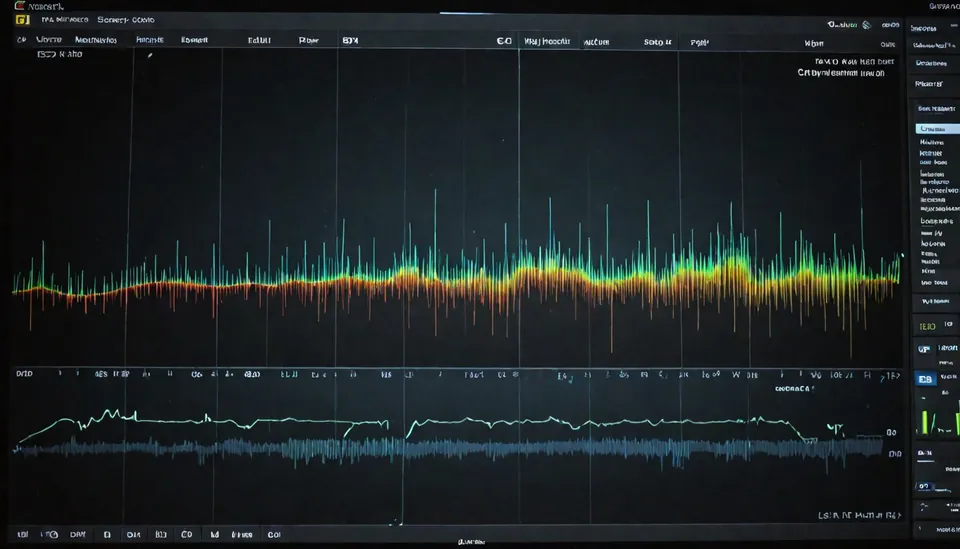
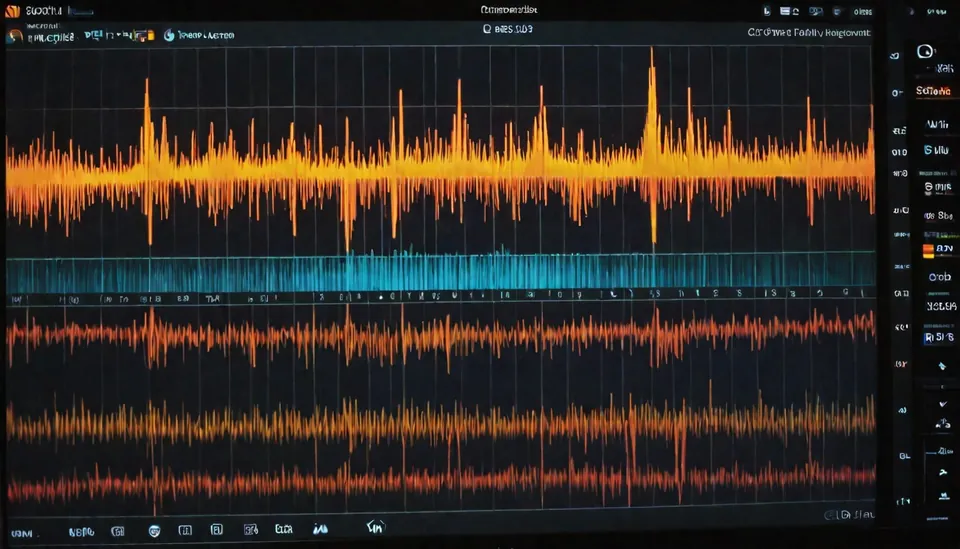
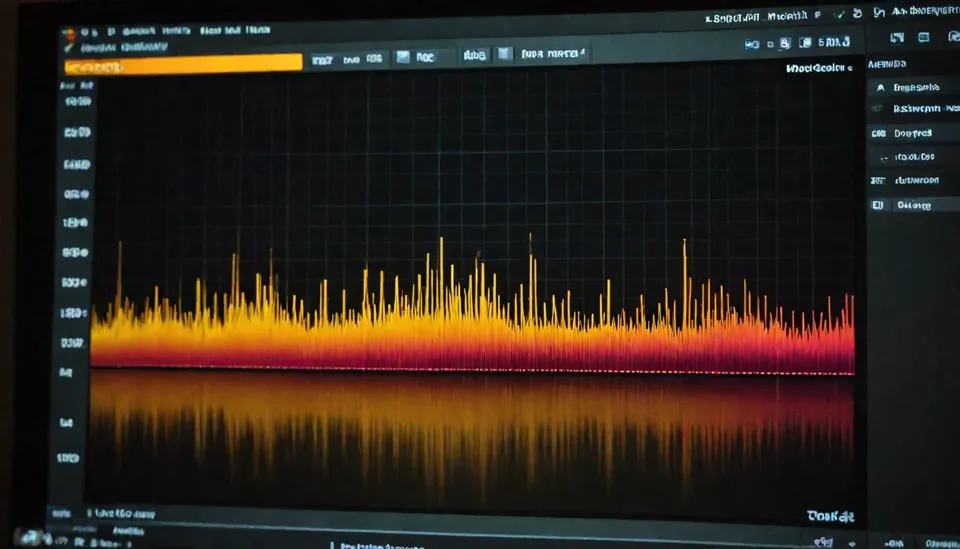
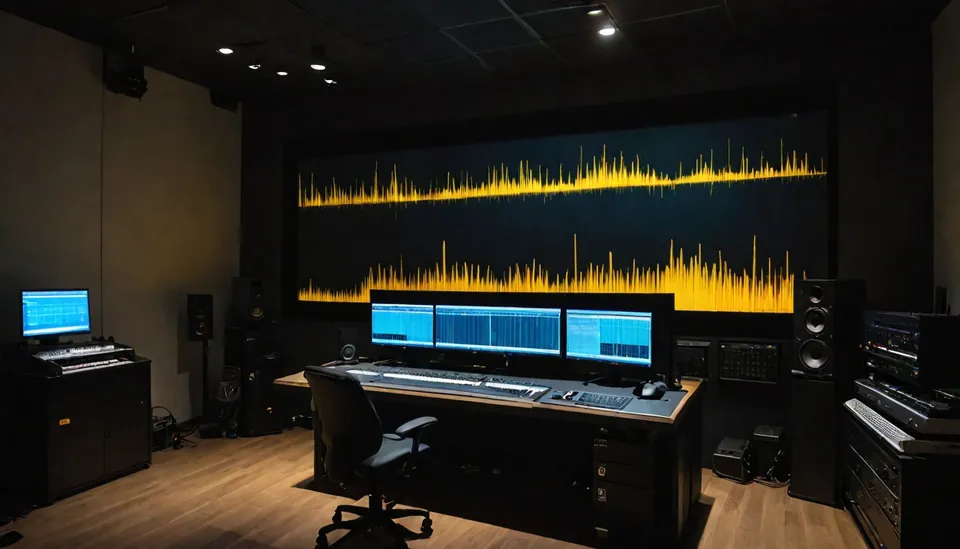
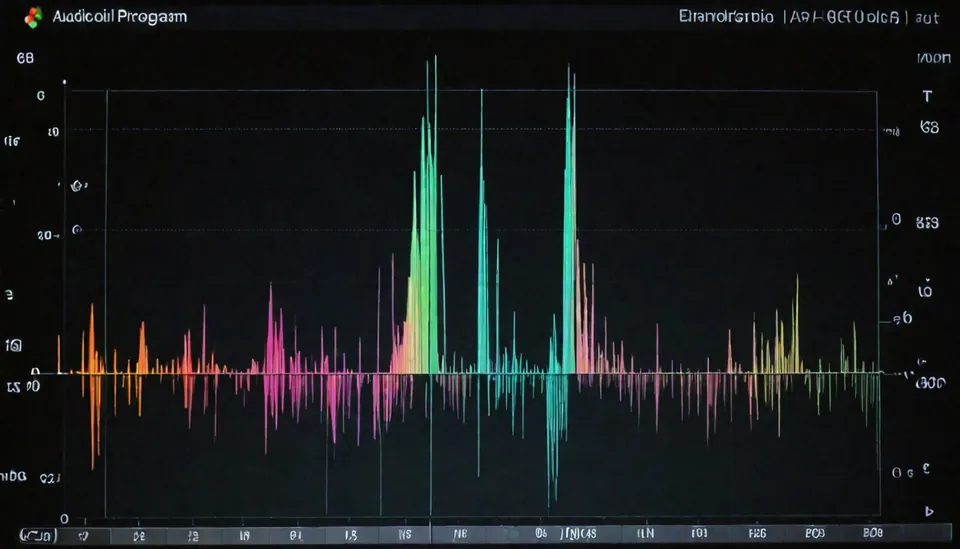
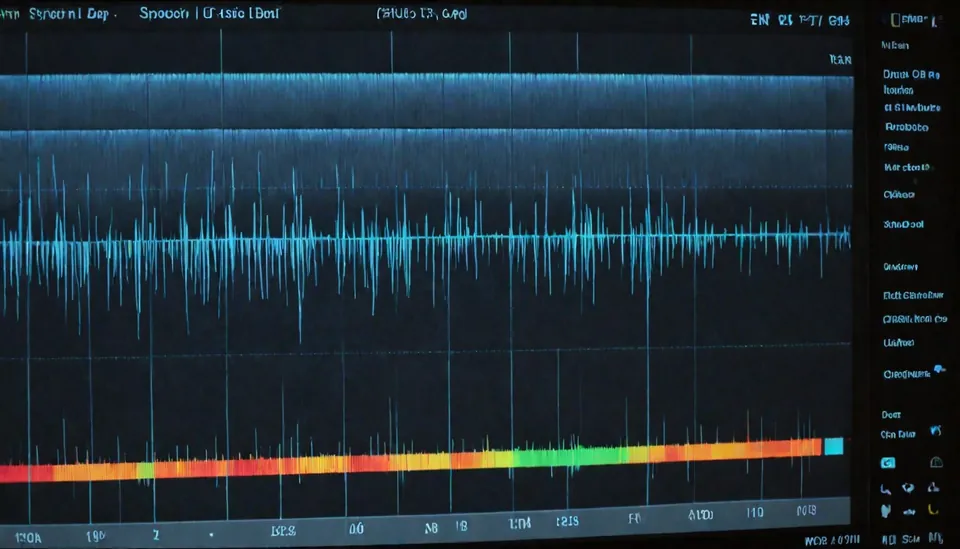
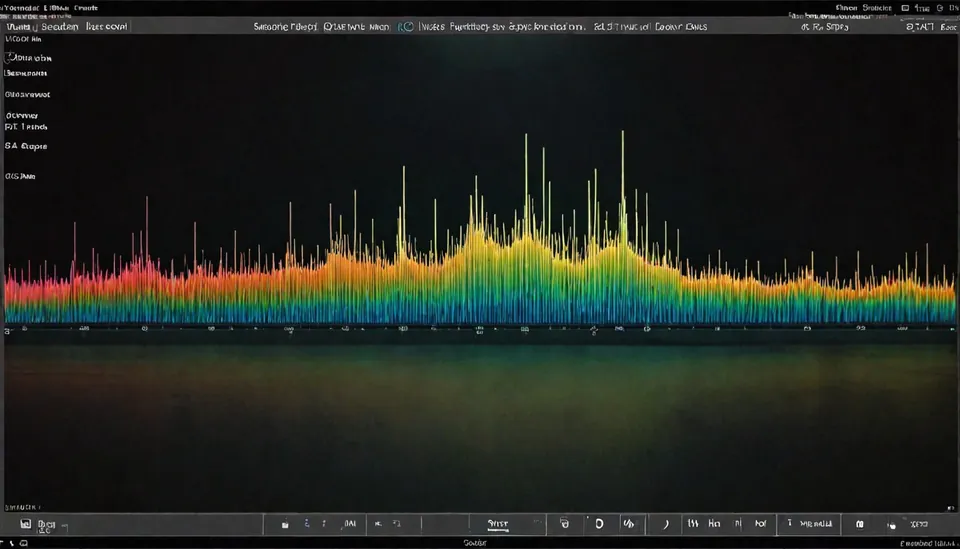
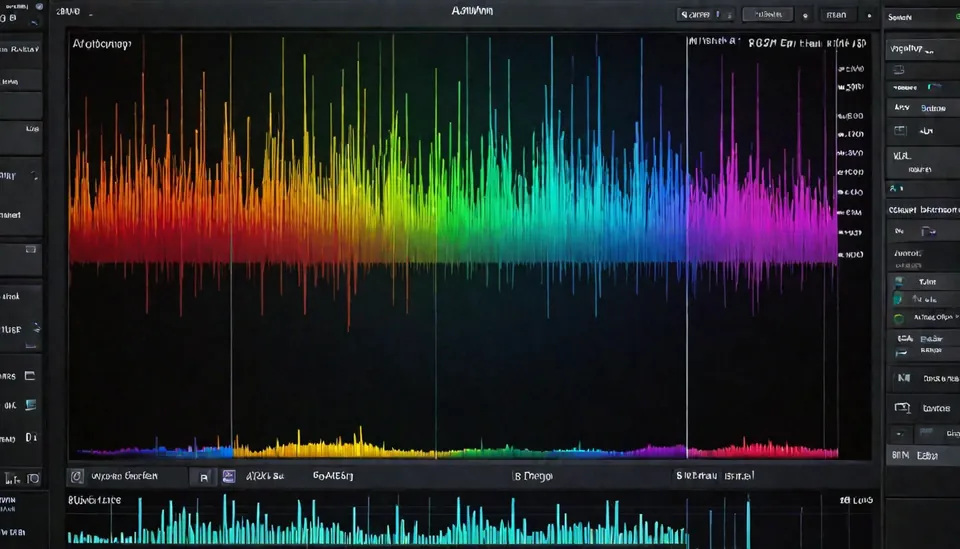
Every lossy encoder throws away the highest frequencies first. The lower the bitrate, the lower the point where the sound stops. When such a file is saved again as FLAC, WAV or a 320 kbps MP3, the missing top does not come back: the spectrogram shows a flat black area above a sharp line. That line is the frequency ceiling this page measures.
Where the sound stops
What it usually means
About 16 to 17 kHz
MP3 at 128 kbps or lower
About 17 to 19 kHz, a sharp line
MP3 or AAC between 160 and 256 kbps
About 19.5 to 20.5 kHz, a sharp line
MP3 at 320 kbps
Up to 22 kHz or higher, no sharp line
Consistent with a lossless file
A high sample rate with nothing above 22 or 24 kHz
Fake high resolution, upsampled from 44.1 or 48 kHz
These are strong hints, not proof: some masters are filtered on purpose, and quiet or dark music has little above 16 kHz anyway. Look at the picture as a whole: a lossless file fades out unevenly, a converted one stops at a straight line along the whole track.
What else the check shows
Loudness in LUFS, measured the way streaming services do (ITU BS.1770 with gating)
Sample peak and true peak in dBTP, and whether the file may distort after conversion
Clipping: places where the signal sits at full scale
Stereo: correlation, width, and mono files saved as stereo
24 bit files that are 16 bit underneath, and DC offset
The encoder named in the MP3 header, the bitrate and VBR
Why your file stays private
The page loads a small program into your browser. It reads the file from your disk, decodes it and draws the spectrogram on your own device. Nothing is uploaded, so there is no waiting in a queue and no copy of your music on our side. You can even disconnect from the internet after the page has loaded.
Put your name into the spectrogram
Our track signature writes your artist name or logo into the top of the spectrum of your own track, inaudible and visible on any spectrogram, with a public certificate. The first signature is free.
Every Dr.DIO track is mastered by the studio and published as FLAC and MP3 320, with the sound reaching 20.5 to 21 kHz. Put one of our files through the check and see for yourself.
Look at its spectrogram. A real lossless file has sound up to about 22 kHz that fades out unevenly. A FLAC made from an MP3 stops at a sharp straight line, around 16 kHz for 128 kbps and around 20 kHz for 320 kbps, along the whole track.
How do I check if an MP3 is really 320 kbps?
Drop it on this page. A real 320 kbps MP3 usually has sound up to 19.5 to 20.5 kHz. If a file says 320 but the sound stops at 16 kHz, it was made from a 128 kbps file.
Is my file uploaded anywhere?
No. The check runs in your browser: the file is read, decoded and analysed on your own device, and nothing is sent to our server.
Which formats can I check?
MP3, FLAC, WAV, M4A (AAC and ALAC), OGG and Opus, as far as your browser can decode them. Chrome, Edge, Firefox and Safari handle all the common ones.
Why does my lossless file stop at 16 or 18 kHz?
Either it was converted from a lossy file, or the top was filtered when the music was made or mixed. Dark and quiet music can also have very little above 16 kHz. The verdict says how sure the check is.
What does LUFS mean?
LUFS is loudness as people hear it, measured over the whole track. Streaming services turn louder tracks down to about minus 14 LUFS, so very loud masters gain nothing there.
What is true peak?
The true peak estimates the highest point of the waveform between the samples. Above 0 dBTP the track may distort after conversion to MP3 or AAC, so masters usually stay at minus 1 dBTP or lower.
Can I check a 24 bit or high resolution file?
Yes. The check shows the sample rate and bit depth, finds 24 bit files that are 16 bit underneath, and spots fake high resolution files with nothing above 22 or 24 kHz.